Landing pages
A page is a file articles/<page>/index.<locale>.mdx. The front matter
carries the page title and description; the body is a sequence of
sections — typed tags with props, one tag per slide of the page.
This page takes the template apart: every tag of its home page, followed by what that tag renders on template-www.pages.gitt.one. The source is articles/index/index.en.mdx.
The front matter and the imports
Section titled “The front matter and the imports”---title: My Landingdescription: One sentence that describes what this site offers---import BoltIcon from 'astro-heroicons/outline/Bolt.astro';import ShieldCheckIcon from 'astro-heroicons/outline/ShieldCheck.astro';import SparklesIcon from 'astro-heroicons/outline/Sparkles.astro';title becomes the browser tab and the og:title; description the meta
description. Icons are imported once at the top and passed to sections as
Icon={BoltIcon} — any of the Heroicons outline
set.
<Prose> — the opening words
Section titled “<Prose> — the opening words”<Prose kicker="WELCOME" title="A headline that says what you do" description="Two or three sentences for the visitor who has never heard of you. Keep the structure, change the words — the layout comes from the engine."/>
A text section: a small kicker, a title, a lead. Markdown children go under the lead when you need paragraphs, lists or code. Full props on Prose.
<FeatureCards> — three reasons
Section titled “<FeatureCards> — three reasons”<FeatureCards title="Three reasons to choose us" description="Each card is a typed item: a title, a description and an icon."> <Feature title="Fast" description="Describe the first benefit in one or two sentences." Icon={BoltIcon} /> <Feature title="Reliable" description="Describe the second benefit in one or two sentences." Icon={ShieldCheckIcon} /> <Feature title="Simple" description="Describe the third benefit in one or two sentences." Icon={SparklesIcon} /></FeatureCards>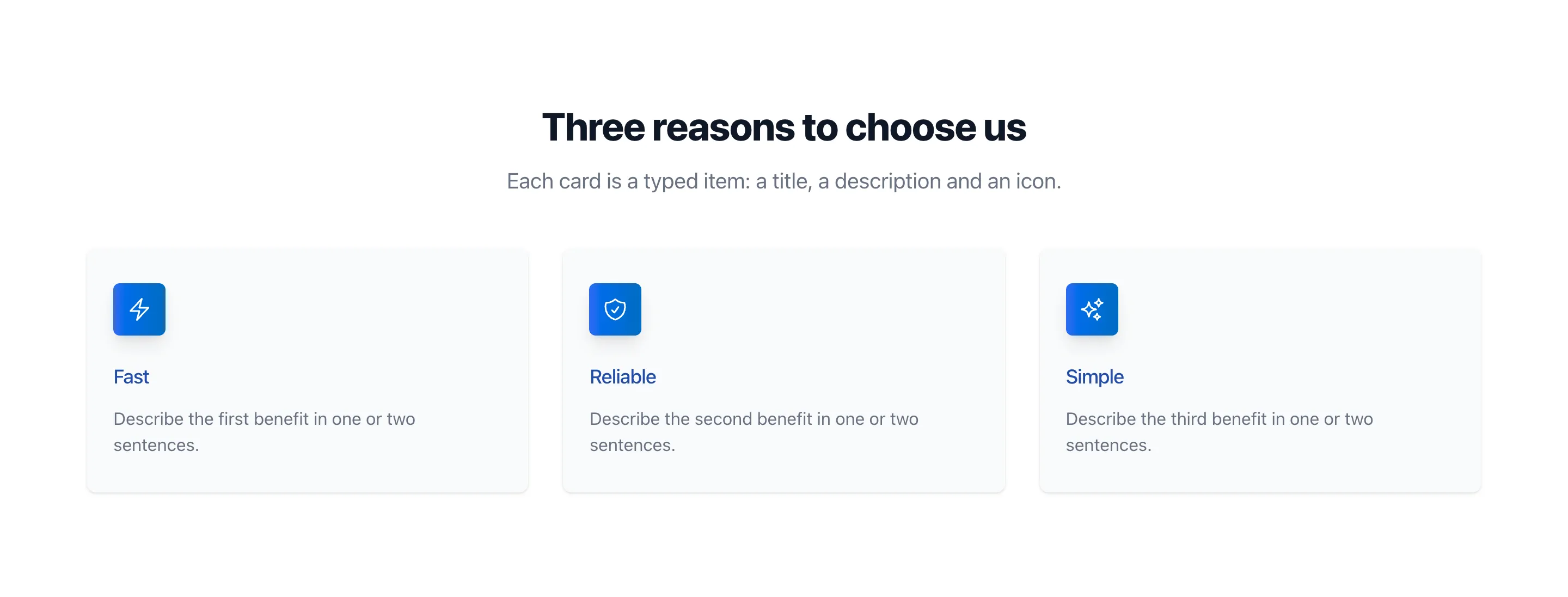
A grid of cards; columns={2|3|4}, theme="muted", icons="soft" change
the look without touching the content. Sub-blocks — here <Feature> — go
inside their parent. Props: FeatureCards.
<Steps> — how it works
Section titled “<Steps> — how it works”<Steps title="How it works" description="Steps are a good way to explain a process." columns={3}> <Step title="First step" description="What the customer does first" /> <Step title="Second step" description="What happens next" /> <Step title="Third step" description="What they get in the end" /></Steps>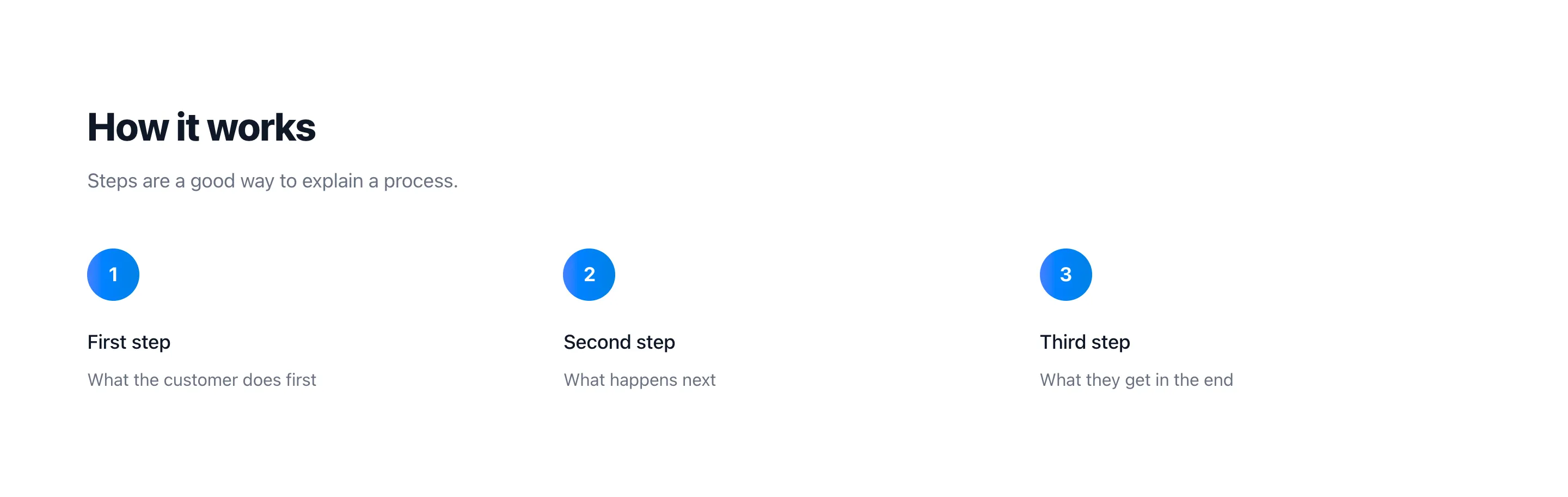
The numbers are automatic: add a fourth <Step> and it becomes 4. Props:
Steps.
<CtaBanner> — the call to action
Section titled “<CtaBanner> — the call to action”<CtaBanner title="Ready to start?" highlight="Tell us about your project." primaryText="Contact us" primaryHref="/contacts/"/>
highlight is the accent line in the brand gradient; primaryHref points
at the second page of the template. Props:
CtaBanner.
The contact page — <ContactForm>
Section titled “The contact page — <ContactForm>”articles/contacts/index.en.mdx is the whole second page:
---title: Contact usdescription: Get in touch---
<ContactForm  theme="panel"  title="Contact us"  successTitle="Thank you!"  successText="We have received your message and will get back to you soon."/>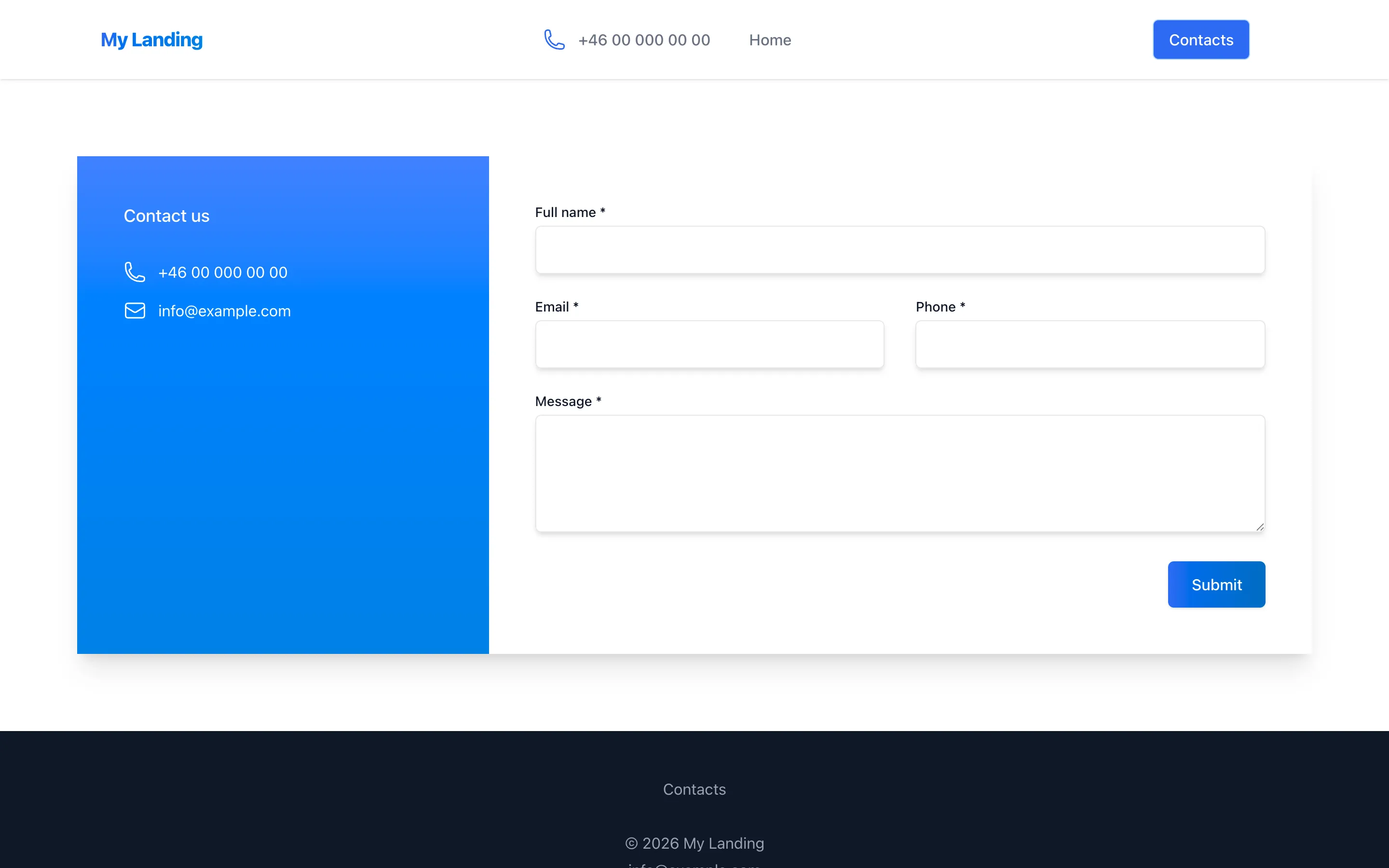
The form posts to contactFormReceiverURL from pages.config.js behind a
Cloudflare Turnstile challenge (turnstileSiteKey); in the template both
are empty, so the form is rendered but goes nowhere until you wire it up —
Contact form and portfolio. Props:
ContactForm.
Rules of thumb
Section titled “Rules of thumb”- Only the tags in the collection
exist. Each has a page with its props, defaults, source and samples.
Sub-blocks (
Feature,Step,Question,Plan…) go inside their parent tag. - Markdown works inside tags. The children of most sections — and of
Question,Feature,CompareItem— are markdown: paragraphs, lists, emphasis, code. - Pictures are named by their file name in
images/:image="team.jpg",image="logos/client.png". The build resizes and converts them — see Images and files. - Routing follows the folder:
articles/pricing/index.en.mdxis/pricing/. Aurl:orslug:key in the front matter overrides it. A new page appears in the menu only when you add it tonavigationinpages.config.js. - A plain-text page — terms, a long article — can be an
.mdfile, or an.mdxwithwithContainer: truein the front matter: the markdown is then rendered as a document in a reading column.
Front matter keys: title (required), description, url or slug,
withContainer.
For a page with more to say, look at how
pages.gitt.one is written: a HeroCover with a
photo, Logos, Compare, ChecklistSection, StatsBanner,
PortfolioSection — the same kind of file, more tags.