From a description
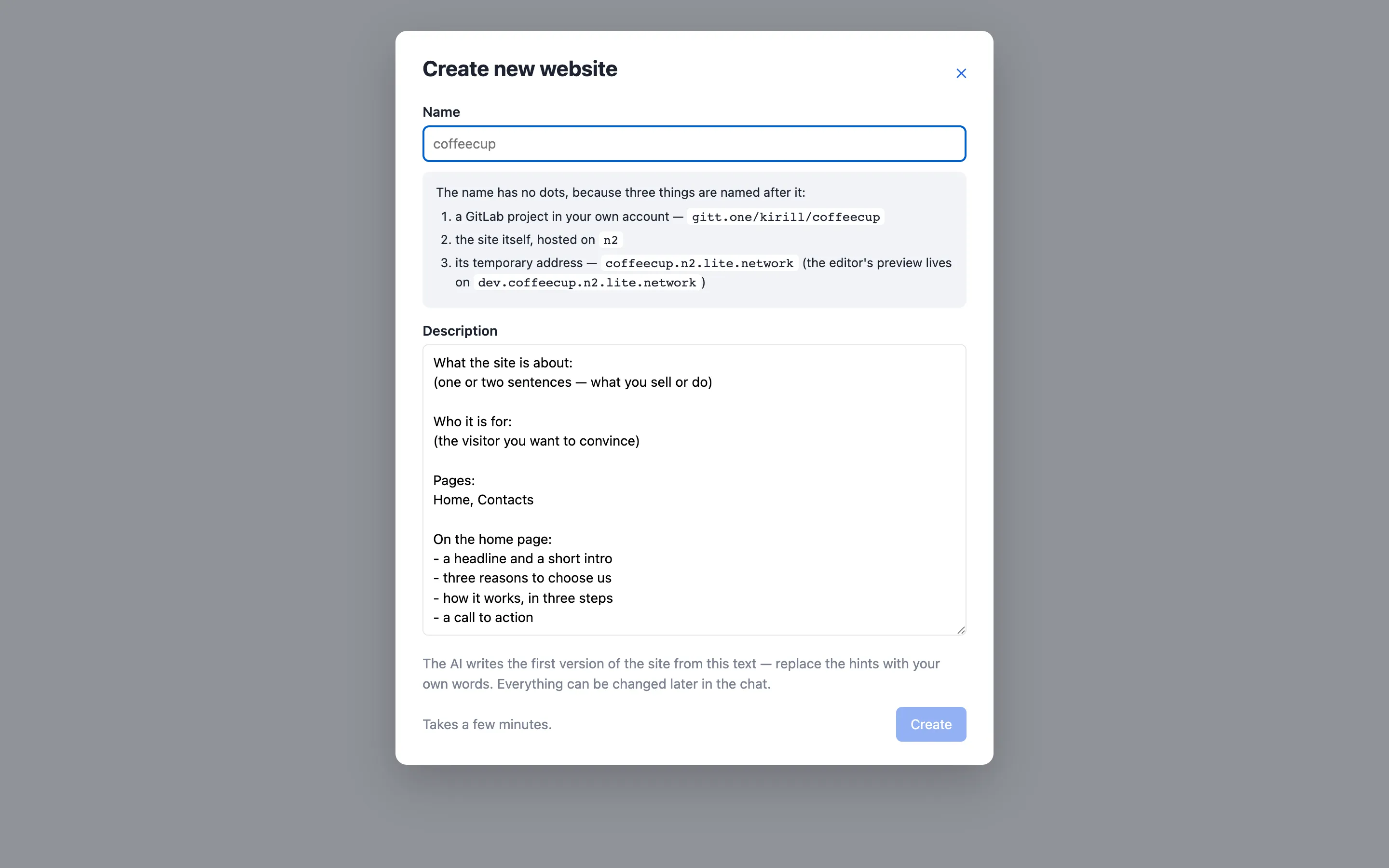
Open the site editor and press Create new
website. You need an account there and a GitLab token with the api scope
(the dialog asks for it once).
Give the site a name without dots — it becomes the GitLab project
gitt.one/<your login>/<name>, the host <name>.n2.lite.network and the
preview dev.<name>.n2.lite.network — and describe the site: what it is
about, who it is for, which pages, what goes on the home page. The AI writes
the first version from that text.
The run takes a few minutes: it creates the project, copies the landing-page template into it, sets the CI variables, writes the content, creates the preview branch, waits for both pipelines and for HTTPS on both addresses. When it finishes, the site appears in your list and opens in the editor on the conversation that produced it. What you get is an ordinary content repository — everything in this documentation applies to it.
The n2.lite.network address is temporary by intent. To move the site to
your own domain, set HOST as described in
Domain and CI variables and point
the domain at the cluster; the editor keeps working.
What the seven steps of the run do, one by one, is on How it works.