The site editor
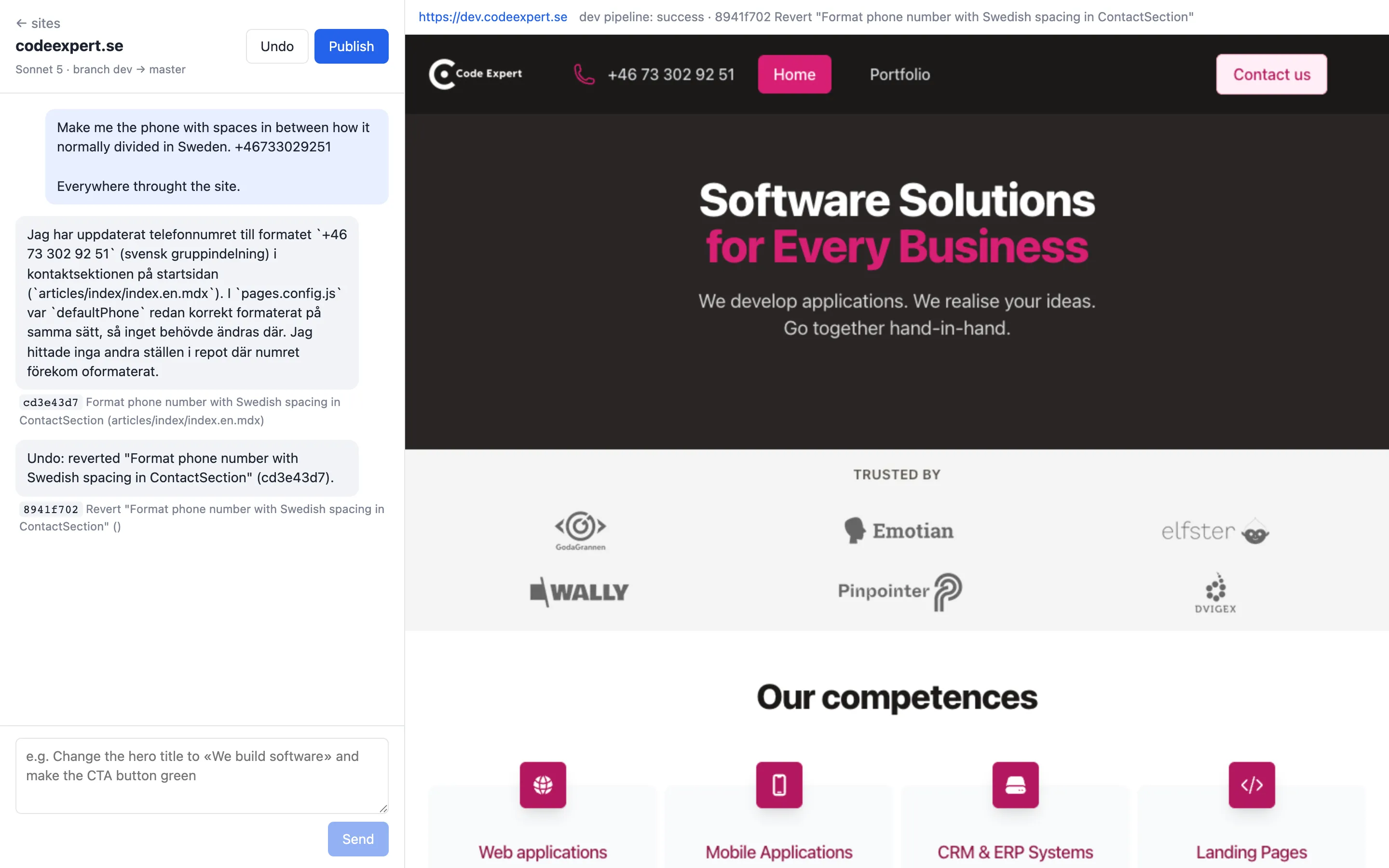
The site editor edits any content
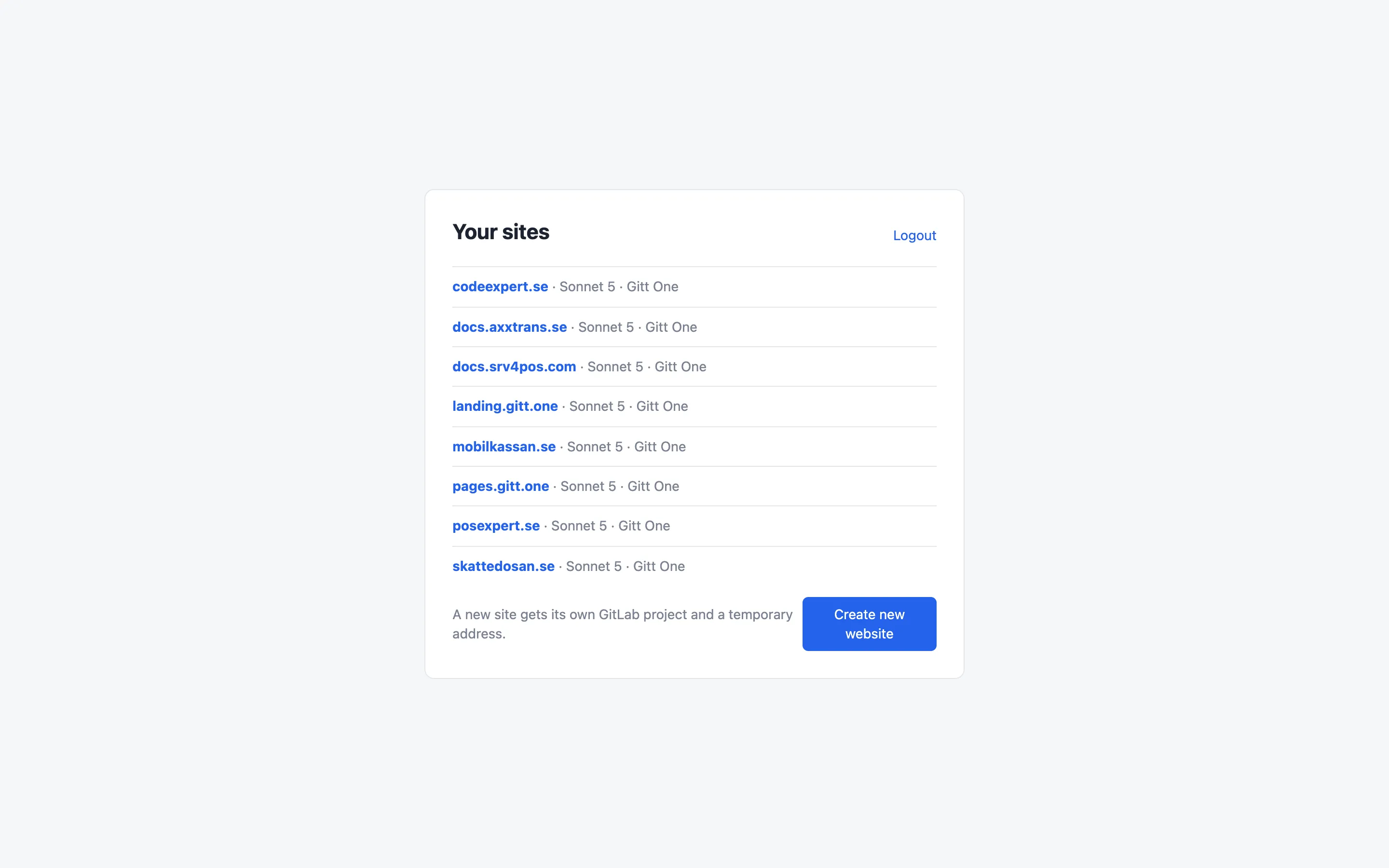
repository through a chat. It needs a mgmt.tools account, membership of a
site group that lists the site, and a GitLab token with the api scope
stored in the editor — ask us to connect an existing site.
- Ask for a change in plain language. The agent reads and writes the
repository; each write is a commit on the
devbranch, listed under the answer with its hash and message. - Preview appears on the right as soon as the
devpipeline finishes; the address isdev.<HOST>, and you can open it in a tab and send the link. - Publish merges
devintomaster; the production pipeline runs and the public site updates a minute later. A conflict — someone pushed tomasterby hand — is reported with a link to the merge request; resolve it in GitLab. - Undo reverts the last unpublished change.
- Some things only you can do — upload a picture, get the contact form connected, obtain the portfolio values. The editor does its part and ends the answer with a numbered list of what it needs from you; see Contact form and portfolio.
- Create new website builds a landing page from a name and a description — see From a description.
Nothing the editor does is special: the same commits could have been made in
an IDE. Before every turn it merges master into dev, so it always edits
current content, and developers and the chat can work on one site in
parallel.
To connect a site to the editor by hand: make sure dev is in the branch
pipeline (it is, in the templates), protect the dev branch, add the
dev.<HOST> DNS record, and ask us to register the site.
How the editor sits on top of git — commits, the branch pipeline, merge requests — is on How it works.