From a template
Use this route for a knowledge base, for a site on your own domain from day one, or for a cluster other than the shared one.
What you get before changing anything
Section titled “What you get before changing anything”The templates are deployed as they are, so the result of the steps below is known in advance:
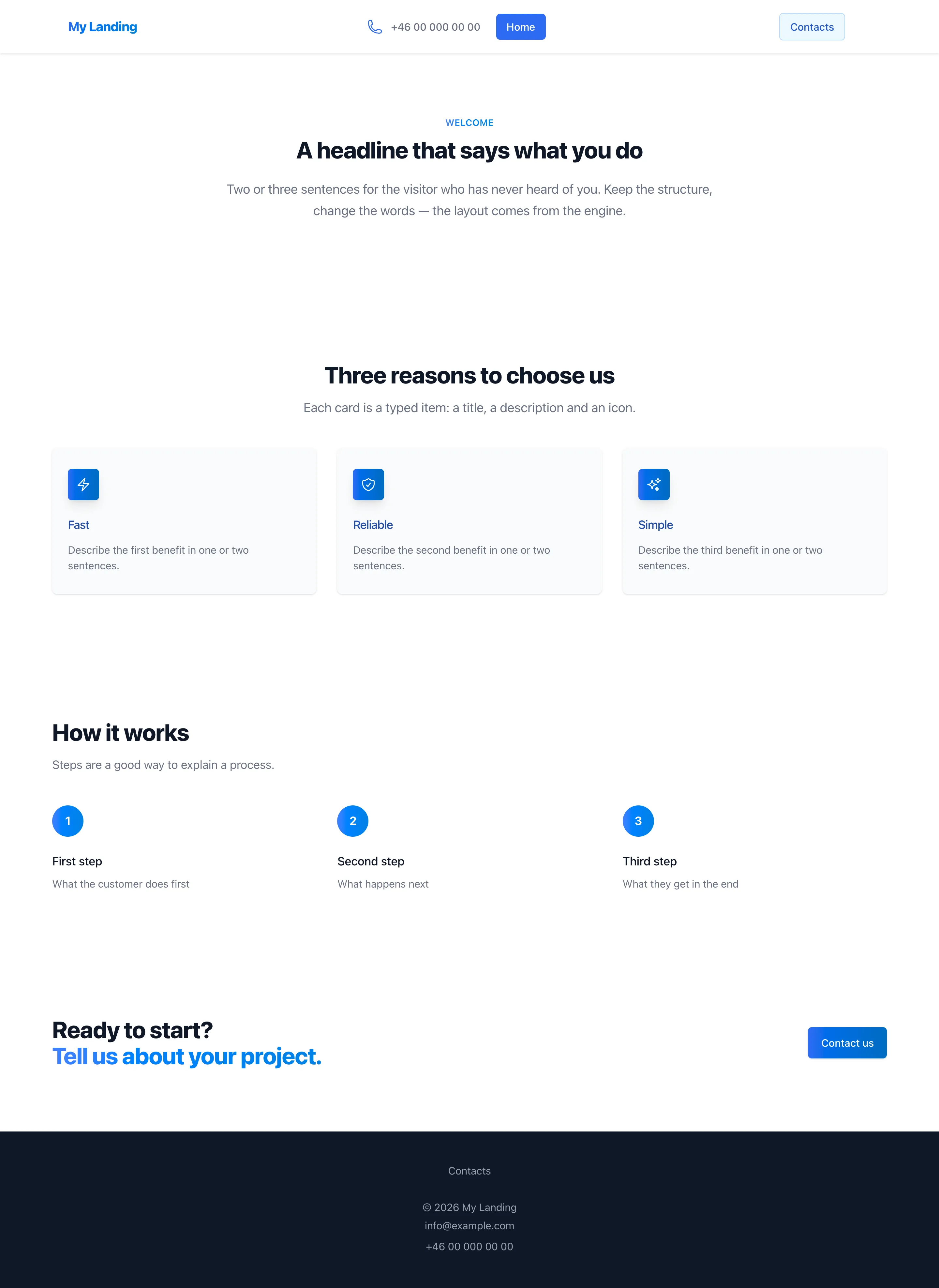
- Landing page — template-www.pages.gitt.one: a home page with a headline, three feature cards, three steps and a call to action, plus a contact page with a form.
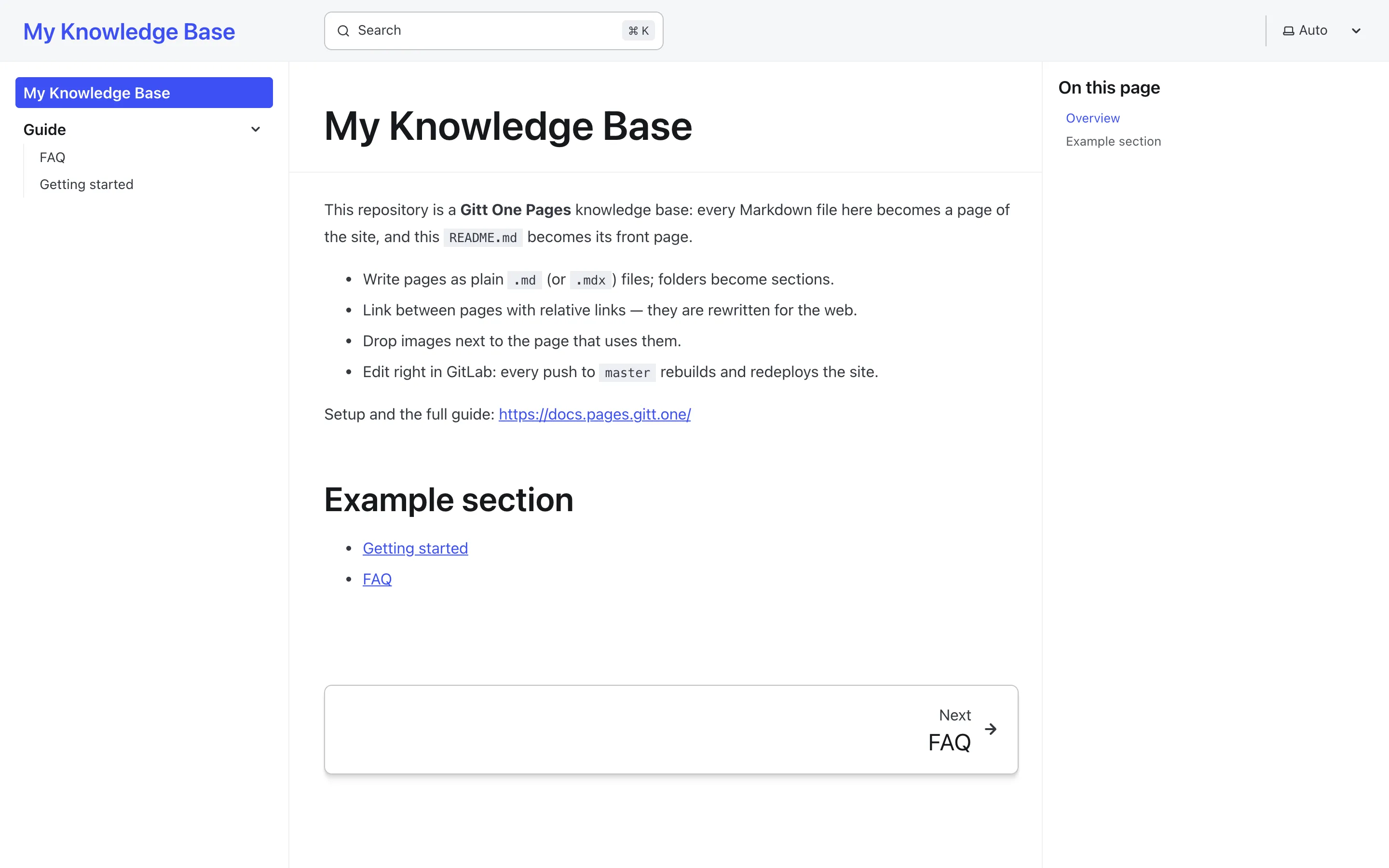
- Knowledge base — template-docs.pages.gitt.one: a front page and a Guide section with Getting started and FAQ, with search and the sidebar generated from the folders.
- In GitLab create a new project with Import project → Repository by URL
and paste
https://gitt.one/pages/template-www.git(landing page) orhttps://gitt.one/pages/template-docs.git(knowledge base). Forking works too. The templates are not GitLab “project templates”, so they do not appear in the Create from template tab. - Create a deploy token named
gitlab-deploy-tokenwith theread_registryscope (Settings → Repository → Deploy tokens). The pipeline uses it to pull the builder image and the cluster uses it to pull your site’s image. - Add the CI variables
HOSTandK8S_CLUSTER(Settings → CI/CD → Variables) before the first pipeline runs — see Domain and CI variables. - Point the domain at the cluster’s ingress host with a DNS-only record, so a certificate can be issued.
- Edit
pages.config.js—title,siteUrl(the template’s own address is there; put yours), contacts,brandColor— and replace the starter content. Commit tomaster. - Watch the pipeline:
build_containerbuilds and pushes the image,deploy_masterrolls it out. The first run also obtains the certificate; the site is up a minute or two later.
About twenty minutes the first time, most of it waiting for DNS. The files you will be editing are listed in What is in the repository; the two template sites are exactly what those files produce.